Resource guide
Candidate Workspace
Overview
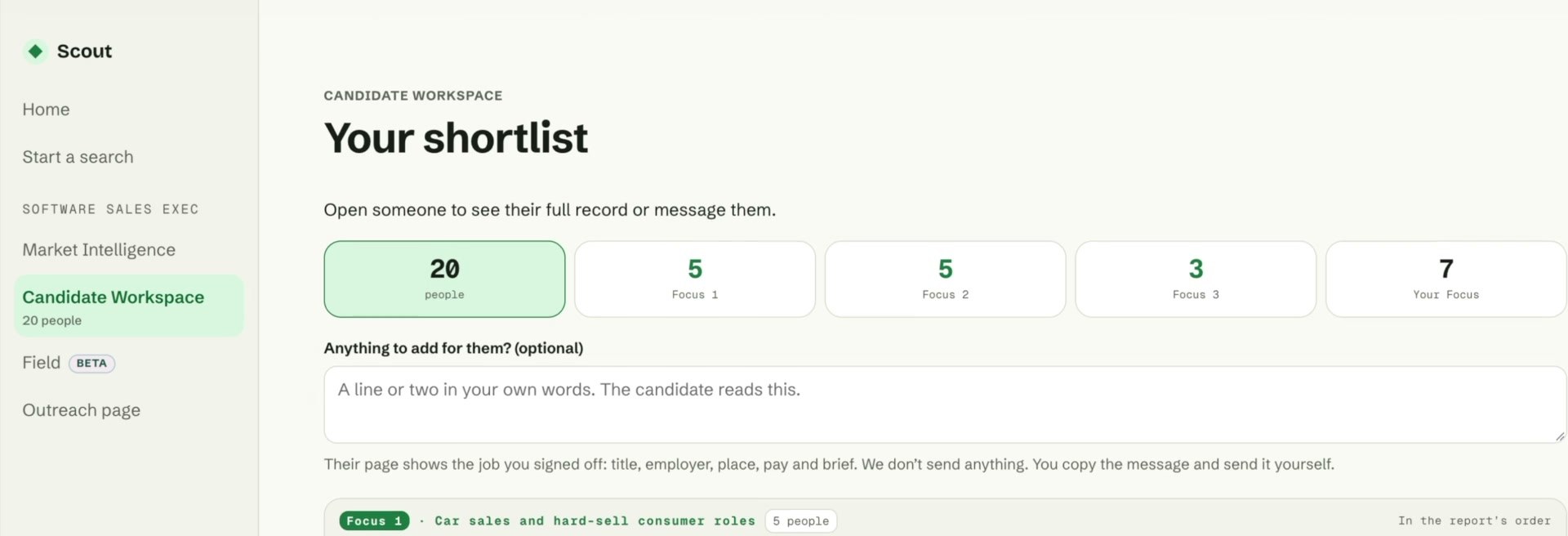
Candidate Workspace is your working shortlist for a role. It brings Scout’s suggested candidates and the people you select from Field together in one place.
Scout’s suggestions are organised into Focus 1, 2 and 3, reflecting the candidate groups identified in the report. Each profile summarises the person’s role, employer and relevant experience, with an explanation of why they may fit the brief. Candidates you add from Field appear under Your Focus.
Open a candidate’s full record to assess their background in more detail. When you are ready to approach them, use Contact to generate a first message containing their personal link to the opportunity.
You copy and send the message yourself, keeping control of the approach. Link activity and responses help you decide who to follow up with.
Good to know
- Candidate Workspace becomes available when you’re a Scout customer.
- Focus groups reflect different types of potential fit. Review the full record to assess each person against your requirements.
- Scout generates the contact message; you copy and send it yourself.
- You can return to Field at any time to explore more candidates and add them to your shortlist.