Resource guide
Field
Overview
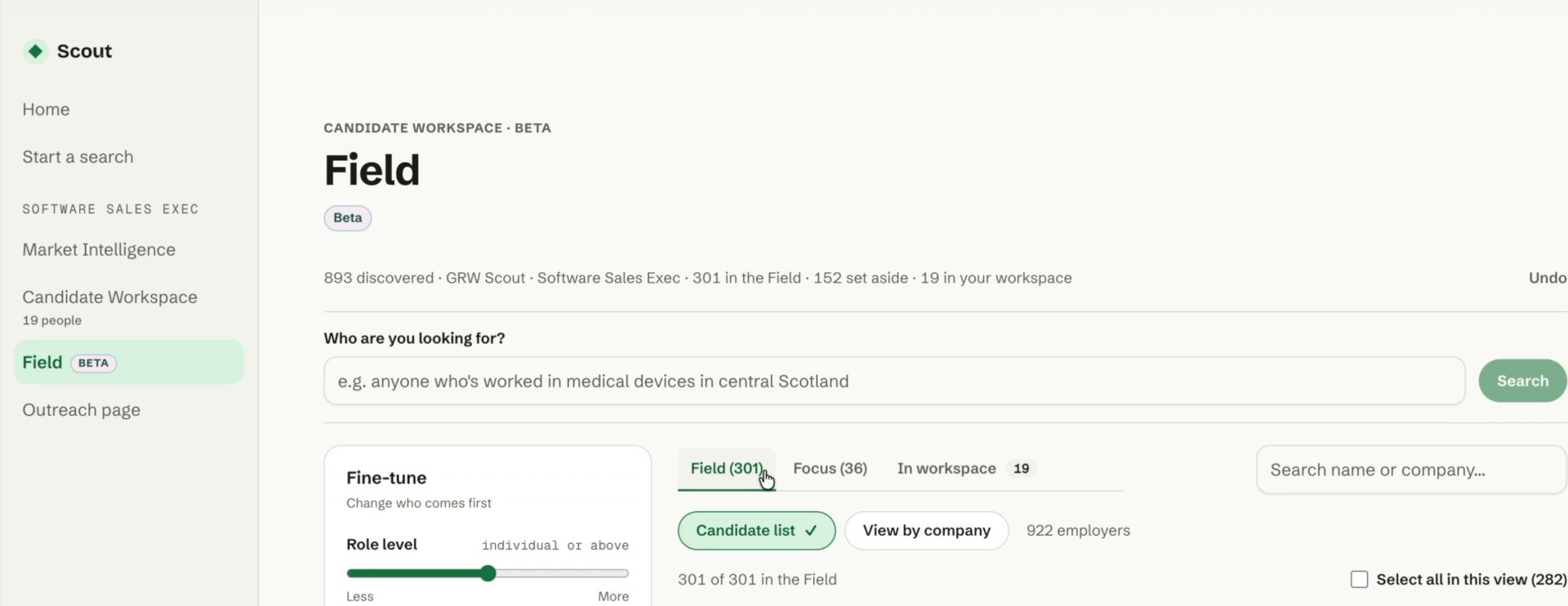
Field lets you explore the wider selection of candidates Scout has identified as potentially relevant to your role. It complements the smaller shortlist in Candidate Workspace and is currently in beta.
Use the filters to adjust role level, experience, distance from the site and time in the current post. This helps you explore different options as your priorities change. Focus offers a smaller suggested selection, while View by company lets you explore people associated with particular employers, including those who previously worked there.
Candidate cards explain the potential fit. Open View details to review career history, or follow the LinkedIn link to explore their profile.
When someone is worth considering, select their checkbox and click Add to workspace. They join your shortlist, ready for further review and outreach.
Why it’s useful
- Explore beyond your shortlist when you want more candidates to consider.
- Test different requirements, such as experience or location, as the brief develops.
- Find people with experience at particular companies, including previous employees.
- Add promising candidates to Candidate Workspace for further review and outreach.